Is it safe to put customer details into an AI chatbot?
A plain-English look at what happens to what you type into AI tools, which details to keep out, and the settings worth checking before you use them with customer information.
 CirrumWeb studio for UK businesses
Published 5 min read
On this page
On this page
What you'll learn
- What can happen to the information you type into an AI tool
- A simple "fine, remove first, never" guide to customer details
- Which settings to check in any AI tool you use
- Where data protection rules come into it
This guide is for small business owners who want to use AI tools for things like customer emails or notes, and have a nagging feeling they should check something first. They should, and it doesn’t take long. You don’t need to understand how the technology works, just a few questions to ask and a few habits to build.
This isn’t legal advice
It’s a practical starting point. If you handle sensitive information, such as health, financial or children’s data, or you’re unsure about your obligations, the Information Commissioner’s Office has free guidance and a helpline for small organisations.
What happens to what you type
When you type into an AI chat tool, your message is sent to the company that runs it and processed on their computers. Depending on the tool, the plan you’re on and your settings, what you type might be:
- Stored in your chat history, sometimes for a long time.
- Read by people at the provider in some circumstances, for example to check for misuse.
- Used to train future versions of the tool, unless you or your plan turn that off.
None of this is unusual. Your email provider and cloud storage also hold your data. The difference is that people tend to paste things into chat tools without thinking of it as sharing data with another company.
A simple guide to customer details
The easiest habit is to take personal details out before you paste. The AI rarely needs them to help you.
| Detail | What to do | Why |
|---|---|---|
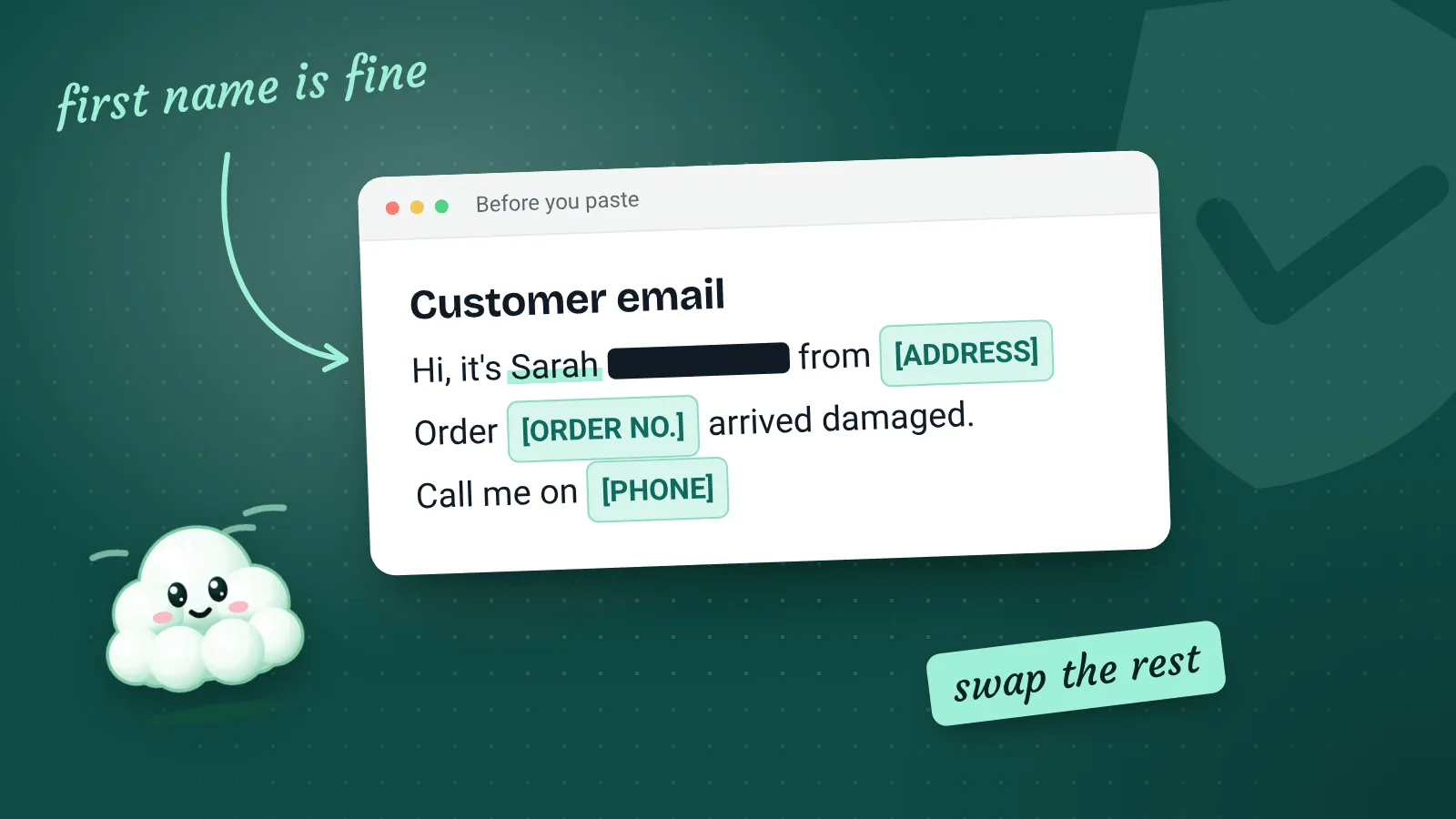
| First name | Usually fine | Helps the reply sound natural, and rarely identifies someone on its own |
| Full name with an address, phone number or email | Remove first | Together these clearly identify a person |
| Order numbers, booking references | Remove first | They link back to a real customer record |
| Health, religion, ethnicity, sexuality or criminal records | Never paste | These are special category data, with stricter rules |
| Bank or card details, passwords | Never paste | No AI task needs them, and the risk is high |
| Anything you’ve promised to keep confidential | Never paste | Your promise to the customer still applies |
Swap, don’t delete
Replace details with placeholders like [CUSTOMER], [ADDRESS] or [ORDER NO.] so the email still makes sense to the AI. Put the real details back in when you edit the final reply.
Settings to check in any AI tool
Every provider lays out its settings differently and changes them from time to time, so rather than step-by-step instructions that might go out of date, here are the questions to answer for whichever tool you use. Look in the settings, usually under headings like “Data controls” or “Privacy”.
- Is my data used for training? Look for a setting about improving the model or training. If it’s on and you’d rather it wasn’t, turn it off.
- How long is my chat history kept? Some tools let you turn history off or delete it automatically.
- Is there a business or team plan with different terms? Business plans often promise not to train on your data by default and give you an agreement covering how they handle it.
- Where is the data processed? Some providers let business customers choose a region, such as the UK or EU.
- Who else in my business has access? If several people share one login, everyone’s chats are visible to everyone.
Check again every few months
Providers update their terms and settings regularly. A quick look every three months, or whenever a tool announces a big change, is a sensible habit.
Where data protection rules come in
If you use personal information about customers, UK data protection law (UK GDPR) already applies to your business, whether or not AI is involved. Using an AI tool with that information is another way of processing it, so the same principles apply:
- Only use what you need. If the reply works without the customer’s address, leave it out.
- Be open about it. If you regularly use AI tools with customer information, your privacy notice should say so in general terms.
- Choose providers carefully. For regular business use, a plan with a proper data processing agreement is the safer choice.
- Keep it secure. Use a strong password and two-step verification on your AI account, just as you would on your email.
The ICO publishes guidance on AI and data protection that goes further. It’s written for organisations of all sizes and is worth a skim if AI becomes part of your routine.
What about accuracy?
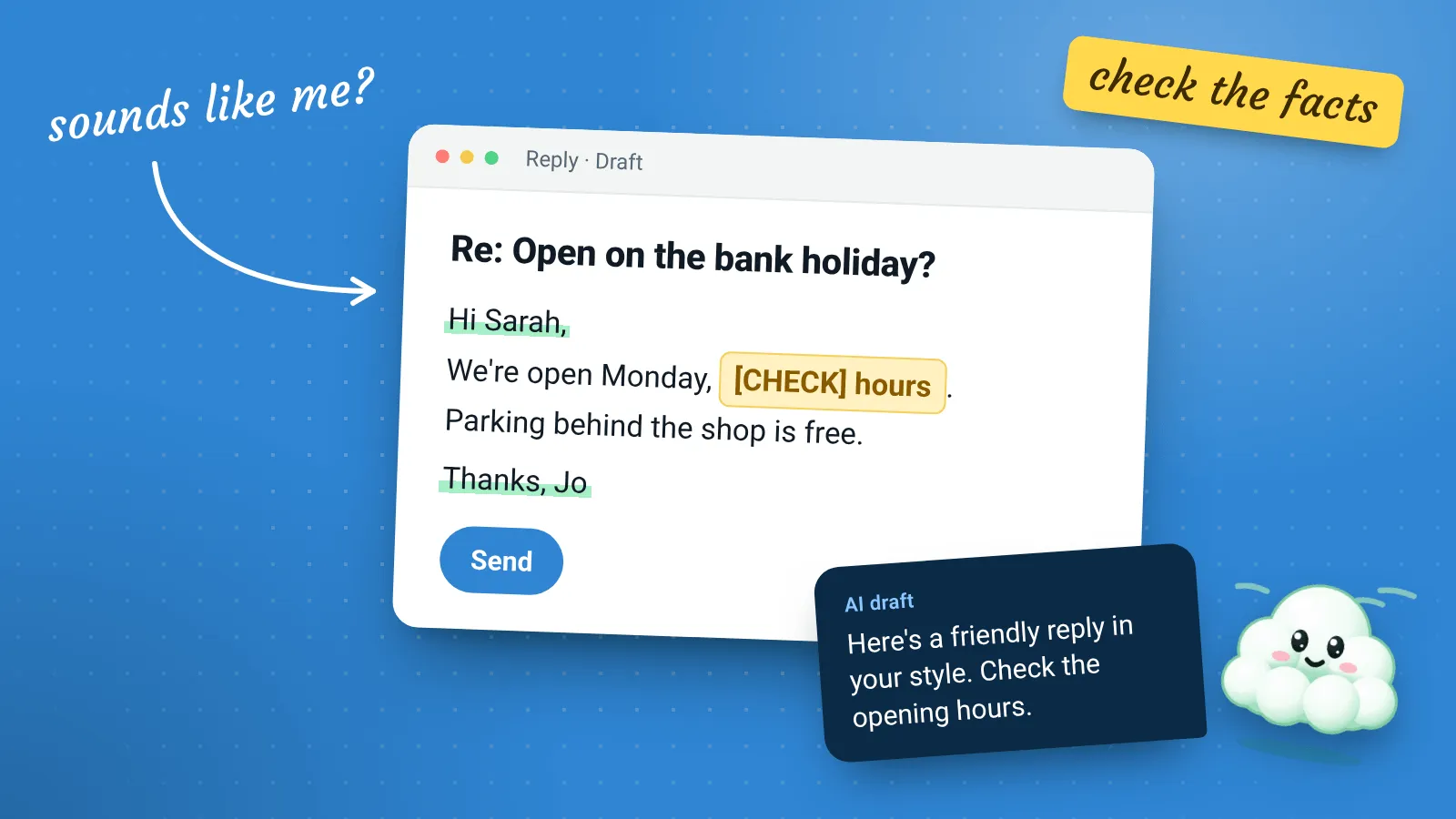
Privacy is one risk, accuracy is another. An AI tool can produce something that sounds certain and is simply wrong, such as a made-up opening time, a misquoted price or an invented policy. If that goes to a customer, it’s your business that’s responsible for it.
Treat everything an AI tool writes as a draft from someone who’s never visited your business. Helpful, often well written, and in need of checking.
A short checklist to keep by your desk
- Training on my chats is switched off, or I’m on a plan that doesn’t train on them
- I take out names, contact details and reference numbers before pasting
- I never paste health, financial or other sensitive details
- My AI account has a strong password and two-step verification
- I read and check everything before it goes to a customer
- My privacy notice mentions the tools I use regularly
Getting these habits in place takes an afternoon. After that, you can use AI tools for the everyday jobs they’re good at with much more confidence.