How to use AI to reply to customer emails without sounding like a robot
A step-by-step way to draft everyday customer replies with an AI assistant, keep your own tone of voice, and check each one properly before it goes out.
 CirrumWeb studio for UK businesses
Published Updated 7 min read
On this page
On this page
What you'll learn
- Which emails are worth drafting with AI, and which to write yourself
- A short "style note" that makes drafts sound like you
- A reusable prompt for everyday replies
- What to check before you press send
If you spend the first hour of most days answering the same handful of questions, this guide is for you. It’s written for owners of small businesses who’ve maybe tried ChatGPT, Copilot, Gemini or Claude once or twice, got a reply that sounded like a corporate leaflet, and gave up.
The good news is that the robotic tone is fixable. Most of it comes from giving the tool too little to go on. With a short note about how you write and a clear request, an AI assistant can give you a decent first draft in seconds. You still read, edit and send it yourself. That part doesn’t change.
You don’t need any paid tools or technical knowledge to follow along.
Which emails are worth handing to AI
AI drafting works best on emails that you answer often, where the facts are simple and the tone matters more than the detail. It works worst where a mistake would be expensive or where the customer needs to feel properly heard.
| Type of email | Good fit? | Why |
|---|---|---|
| “Are you open on bank holidays?” and other routine questions | Yes | The facts are fixed, so you only check the tone |
| Quotes and price questions | With care | Fine for the wording, but always type the prices yourself |
| Booking changes and follow-ups | Yes | Mostly polite, short and predictable |
| Thank-you emails after a job | Yes | A draft helps you say something warm without staring at a blank screen |
| Complaints | With care | Useful for a calm first draft, but rewrite it in your own words |
| Anything legal, medical or financial | No | Write these yourself, or get proper advice |
Start with your three most common questions
Look back through your sent emails from the last month and find the questions you answered most. Those are where a good prompt saves the most time, and they’re the easiest to check.
Before you start: write a two-minute style note
The single biggest improvement you can make is telling the AI how you write. Without it, the tool falls back on a bland, overly formal style that customers spot straight away.
A style note is just a short paragraph you paste in with every request. You write it once and reuse it.
What to put in your style note
- Who you are: your business, what you do and where.
- How you sound: friendly, direct, a bit formal? Do you use first names?
- Words you never use: for many small businesses that’s “valued customer”, “reach out” and “we apologise for any inconvenience”.
- How long your replies usually are: most good customer emails are under 120 words.
- How you sign off: “Thanks, Sarah” reads very differently from “Kind regards, The Team”.
About me: I run [business name], a [type of business] in [town]. I write to customers myself.

How I write: friendly and plain, like I'm talking to a regular. Short sentences. I use the customer's first name. I never say "valued customer", "reach out" or "we apologise for any inconvenience".

Length: usually 3 to 5 short sentences. No bullet points unless I'm listing times or prices.

Sign-off: "Thanks, [your first name]"
Save this somewhere you can copy it from quickly, such as a note on your phone or a document pinned on your desktop.
Step 1: Give it the email and the facts
Paste the customer’s email and then add the facts the reply needs. Don’t make the AI guess. If you leave out your opening hours, it may invent some that sound plausible, and that’s the kind of mistake that’s easy to miss when you’re busy.
[Paste your style note here]

Here's an email from a customer:
"""
[Paste the customer's email]
"""

The facts for my reply:
- [e.g. We're open 9 to 5 on the bank holiday Monday]
- [e.g. Parking is free behind the shop after 4pm]

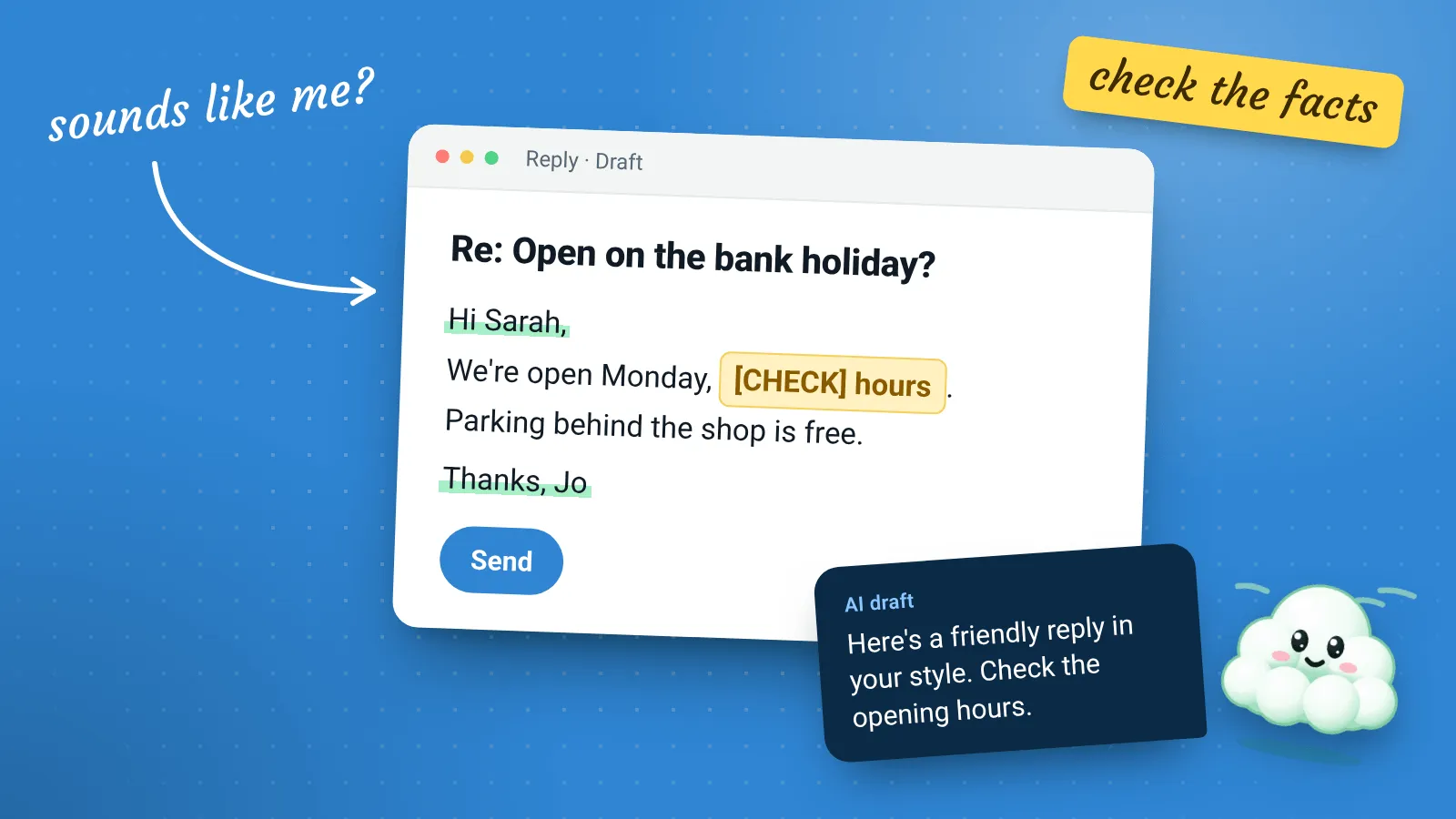
Write a reply in my style. Only use the facts I've given you. If something the customer asked isn't covered by these facts, leave a gap marked [CHECK] instead of guessing.
The last line matters. Asking for a visible [CHECK] marker instead of a guess turns a hidden mistake into something you’ll notice.
Remove personal details first
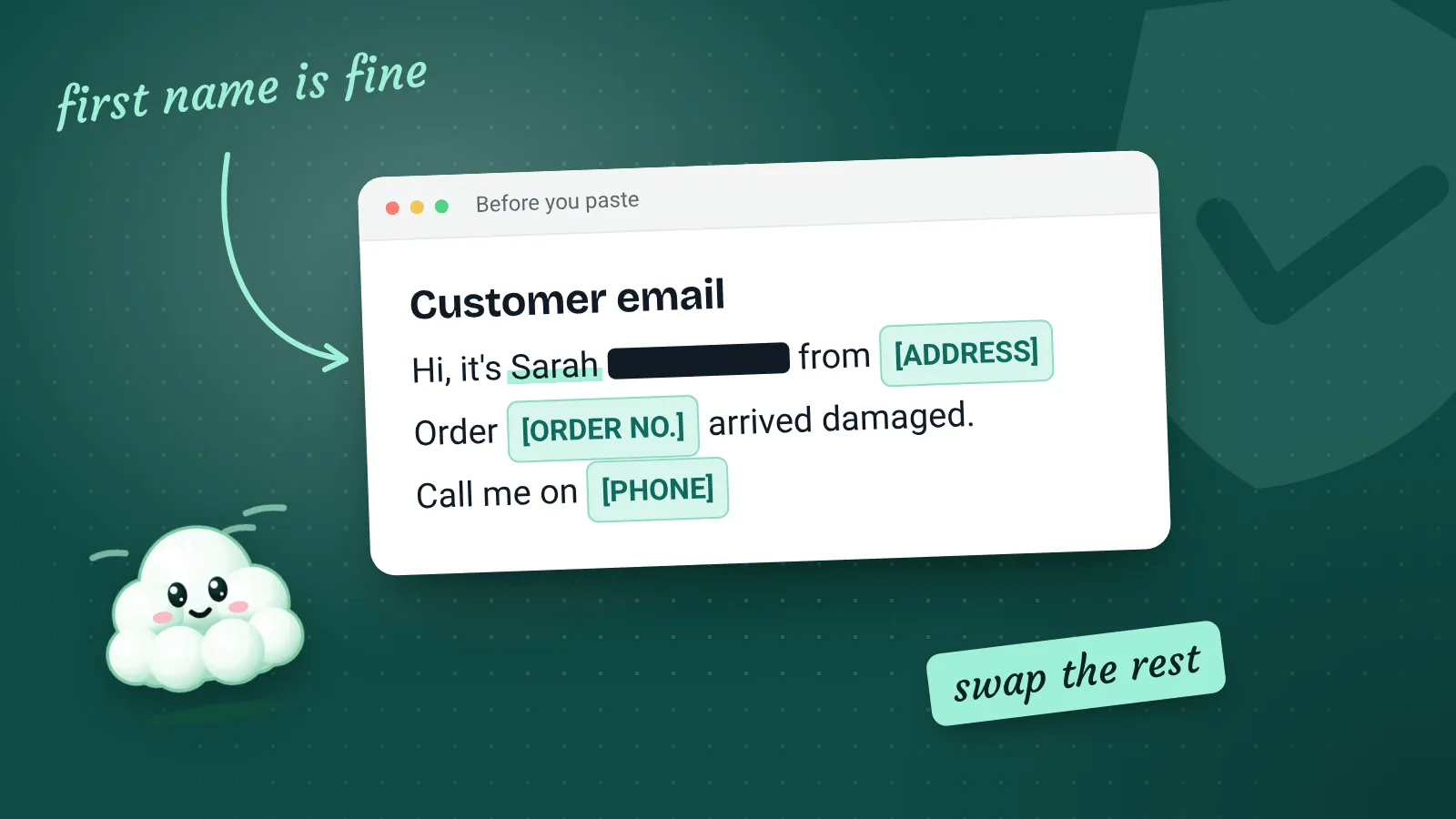
Before you paste an email in, take out anything you wouldn’t want stored by another company: phone numbers, addresses, order histories and anything about health. The first name is usually enough. The guide Is it safe to put customer details into an AI chatbot? explains why, and what to look for in your settings.
Step 2: Ask for a short first draft, then steer it
Your first draft won’t be perfect, and that’s fine. Rather than starting again, tell the tool what to change. Short follow-up instructions work well:
- “Shorter. Three sentences at most.”
- “Less formal. Sound like you’re talking to a regular.”
- “Take out the second paragraph, they didn’t ask about that.”
- “Don’t open with ‘I hope this email finds you well’.”
After a few rounds you’ll notice the same corrections coming up. Add those to your style note so you don’t have to keep making them.
Step 3: Edit it like it’s your own email
This is the step that separates replies that sound like you from replies that sound like a chatbot. Read the draft out loud. If you wouldn’t say a sentence to the customer’s face, change it.
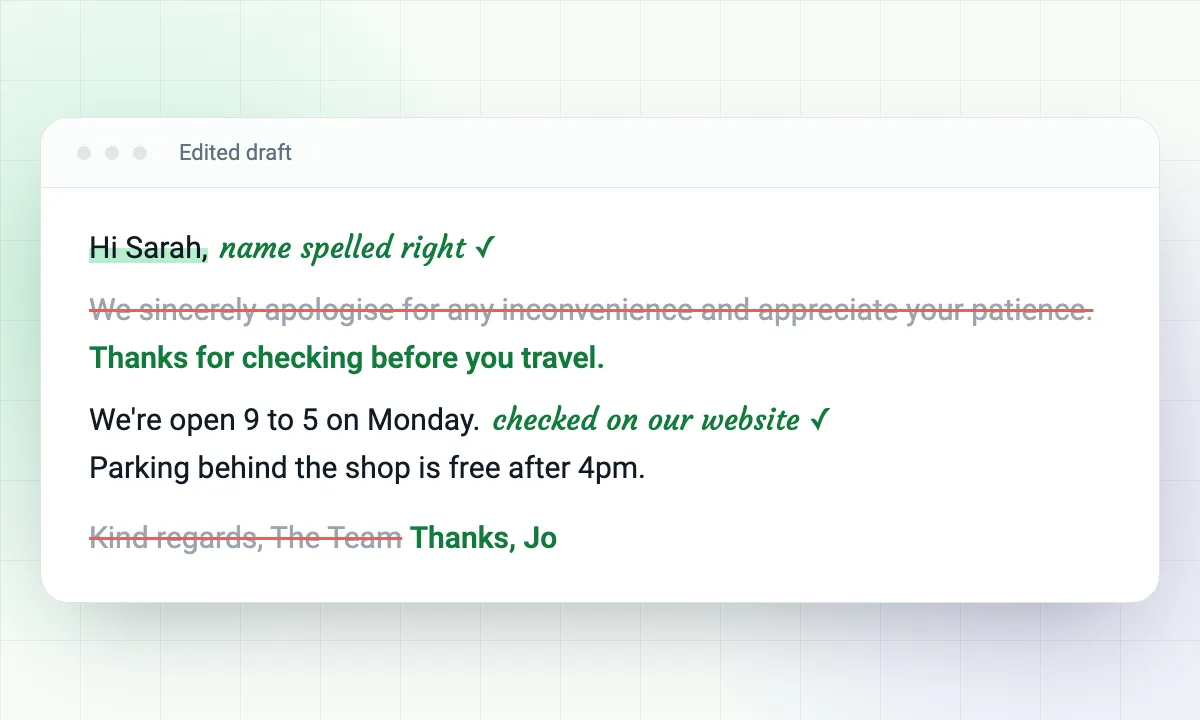
A quick editing checklist
- Every fact, date, time and price is right, and came from you rather than the AI
- There are no
[CHECK]markers left in the text - It answers what the customer actually asked, and nothing they didn’t
- It doesn’t promise anything you can’t do
- It sounds like you, out loud
- The customer’s name is spelled correctly
If a reply would embarrass you were the customer to forward it to a friend, it isn’t ready to send. That’s the only test that really matters.
Replying to complaints
Complaints are where AI is most tempting and most risky. When you’re annoyed or upset, a calm, neutral first draft can be genuinely helpful. It gives you something steady to work from.
But customers who complain want to know a real person has read their message. A polished, generic apology often makes things worse.
Don’t send a complaint reply as it comes
Use the draft for structure only: acknowledge the problem, explain what happened, say what you’ll do next. Then rewrite it in your own words, mention the specific details of their situation, and avoid admitting fault or offering compensation until you’ve decided that yourself.
[Paste your style note here]

A customer has complained. Here's their email:
"""
[Paste the email]
"""

What actually happened, from my side: [a sentence or two]
What I'm willing to do: [e.g. redo the work this week / a refund / nothing further, but I want to explain]

Write a calm, short reply that shows I've read their message properly. Don't over-apologise, don't blame the customer, and don't offer anything beyond what I've said I'm willing to do.
Save your best prompts so you’re not starting from scratch
Once a prompt works, keep it. Some easy ways:
- Email templates: Gmail and Outlook can both save reply templates. Save your best edited replies there, then use AI only for the questions that don’t fit a template.
- A shared document: if more than one person answers emails, keep one document with the style note and your favourite prompts, so everyone sounds consistent.
- Text shortcuts: your phone and computer can expand a short code like
;styleinto your full style note.
Templates first, AI second
If you find yourself sending almost the same reply every time, a plain template is quicker and safer than AI. Keep AI for the emails that need a slightly different answer each time.
What AI can’t do for your inbox
It’s worth being clear about the limits, so you don’t expect too much:
- It doesn’t know your business. Anything it says about your prices, stock or availability is a guess unless you told it.
- It can’t see your calendar or your order system unless you’ve connected them, and connecting them brings its own privacy questions.
- It can sound confident while being wrong. A confident tone is not a sign that a fact is correct.
- It won’t build relationships for you. Customers remember the small personal details, and those have to come from you.
A simple routine to try this week
Try this for five working days, then decide whether it’s worth keeping:
- Write your style note on Monday morning. Keep it short.
- Use the everyday reply prompt for routine questions only.
- Edit every draft with the checklist above.
- On Friday, look at which replies needed the most editing, and add those corrections to your style note.
If you find you’re spending as long editing as you would have spent writing, that’s useful to know too. Some people write quick emails naturally, and for them a template does more good than an AI tool.