AI for small businesses: where to start, and what to skip
A calm, practical starting point for owners who keep hearing about AI but aren't sure it's worth the time. Three good first jobs, three to leave alone, and how to try it safely.
 CirrumWeb studio for UK businesses
Published 5 min read
On this page
On this page
What you'll learn
- What AI chat tools are actually good at, in plain English
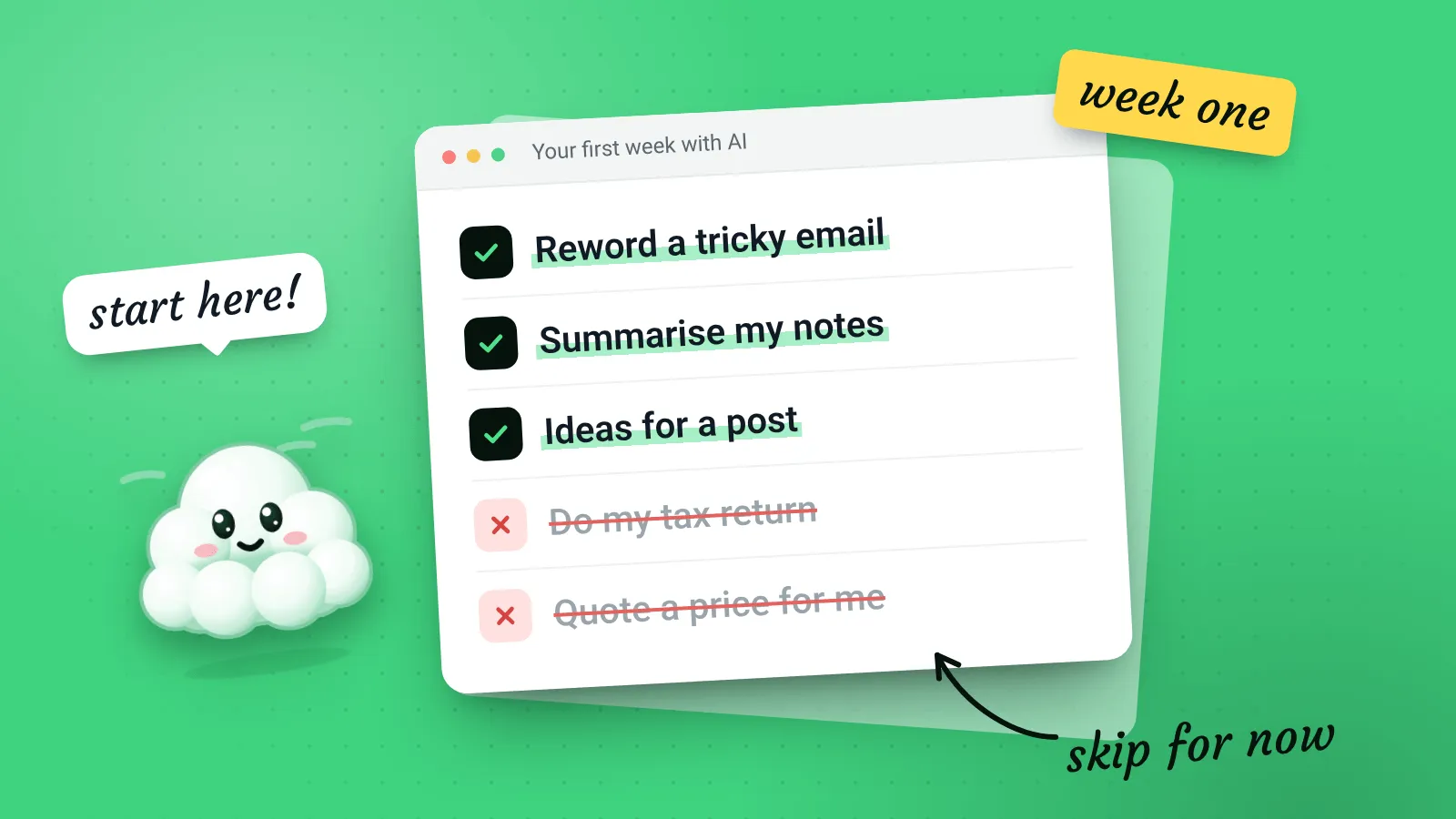
- Three low-risk jobs to try first
- Three jobs to leave alone for now
- How to run a fair one-week trial
This guide is for small business owners who keep hearing that they “need to be using AI” and aren’t sure where to begin, or whether to bother at all. You won’t need to install anything or learn any jargon. By the end you’ll know what these tools are good at, what they’re bad at, and how to give them a fair try without risking anything important.
What we mean by “AI” here
When most people say AI at the moment, they mean a chat assistant: ChatGPT, Microsoft Copilot, Google Gemini, Claude and others. You type a request in normal language and it writes a reply.
They’re very good at working with words: drafting, rewording, summarising, suggesting ideas and explaining things. They’re much less reliable at facts, maths and anything they’d need to look up about your business specifically.
A helpful way to think about it: an AI assistant is like a quick, well-read helper on their first day. Useful straight away for drafts and ideas, but you’d check their work before it went to a customer.
Three good first jobs
These are low-risk because you’ll read the result before anyone else does, and a bad draft costs you nothing.
1. Turning rough notes into a tidy email
Type your thoughts as they come, with no worrying about spelling or order, and ask the assistant to turn them into a clear email. You keep the facts, and it does the tidying.
Turn these rough notes into a short, friendly email to a customer. Keep every fact exactly as written and don't add anything new.

Notes: [paste your notes]
2. Rewording something that sounds wrong
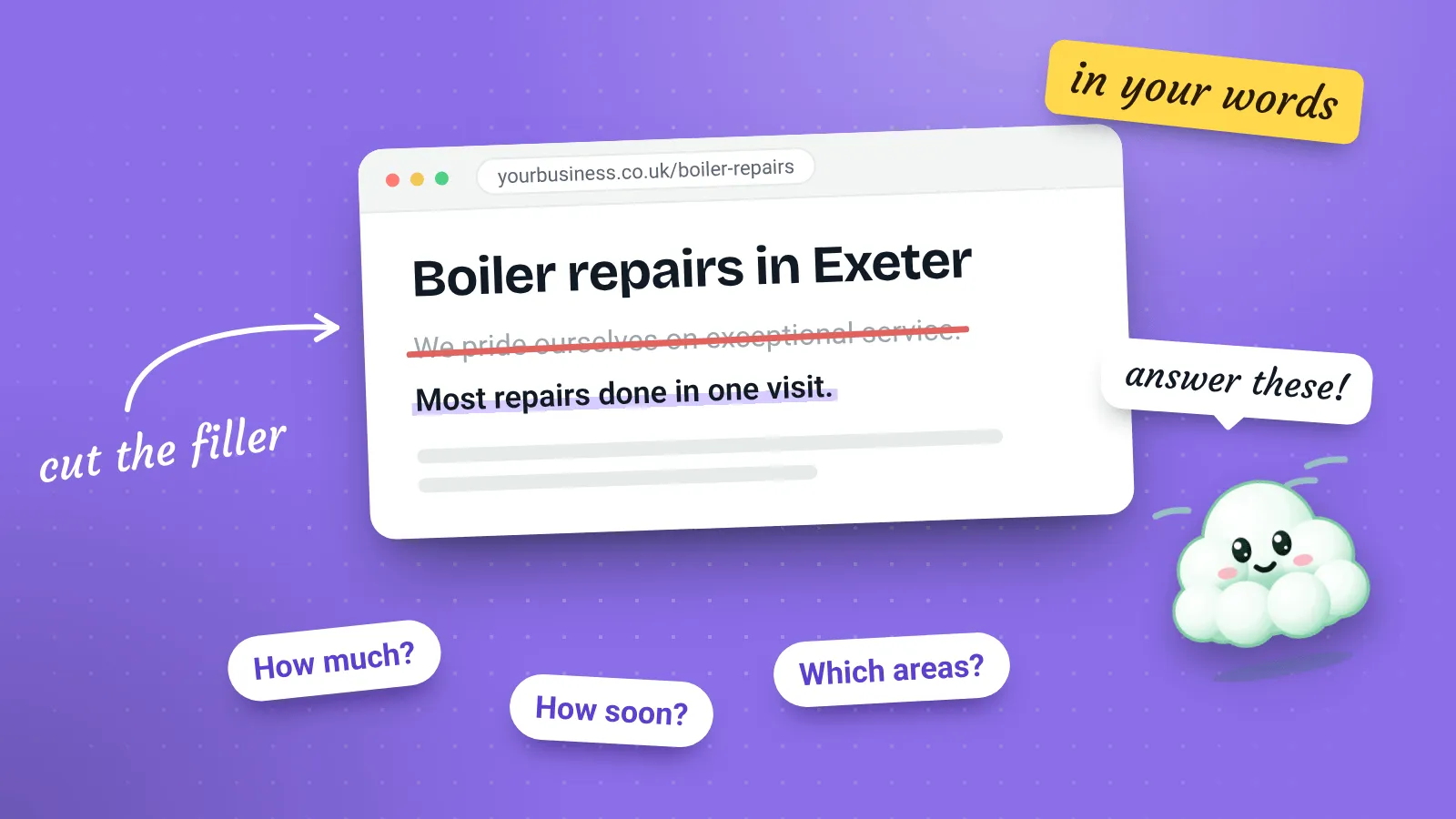
Got a paragraph on your website or a price list that reads awkwardly? Paste it in and ask for three alternative versions. Pick the bits you like.
3. Getting unstuck on a blank page
Need a name for a new service, ideas for a social post or a list of questions customers might ask? AI is good at producing lots of options quickly. Most won’t be right, but one or two usually spark something.
Ask for options, not answers
“Give me ten ideas” works better than “give me the best idea”. You’re the judge of what fits your business; the tool just widens the choice.
Three jobs to leave alone for now
1. Anything where a wrong fact causes real harm
Tax, legal wording, health advice, safety instructions and contract terms. AI tools can produce text that looks authoritative and is wrong. If you’d normally ask an accountant, solicitor or professional body, still do.
2. Replying to people without reading the reply
Automatic replies that go out without a human check can promise things you don’t offer or get details wrong in front of a customer. Draft with AI if you like, but read everything before it’s sent.
3. Pasting in sensitive customer information
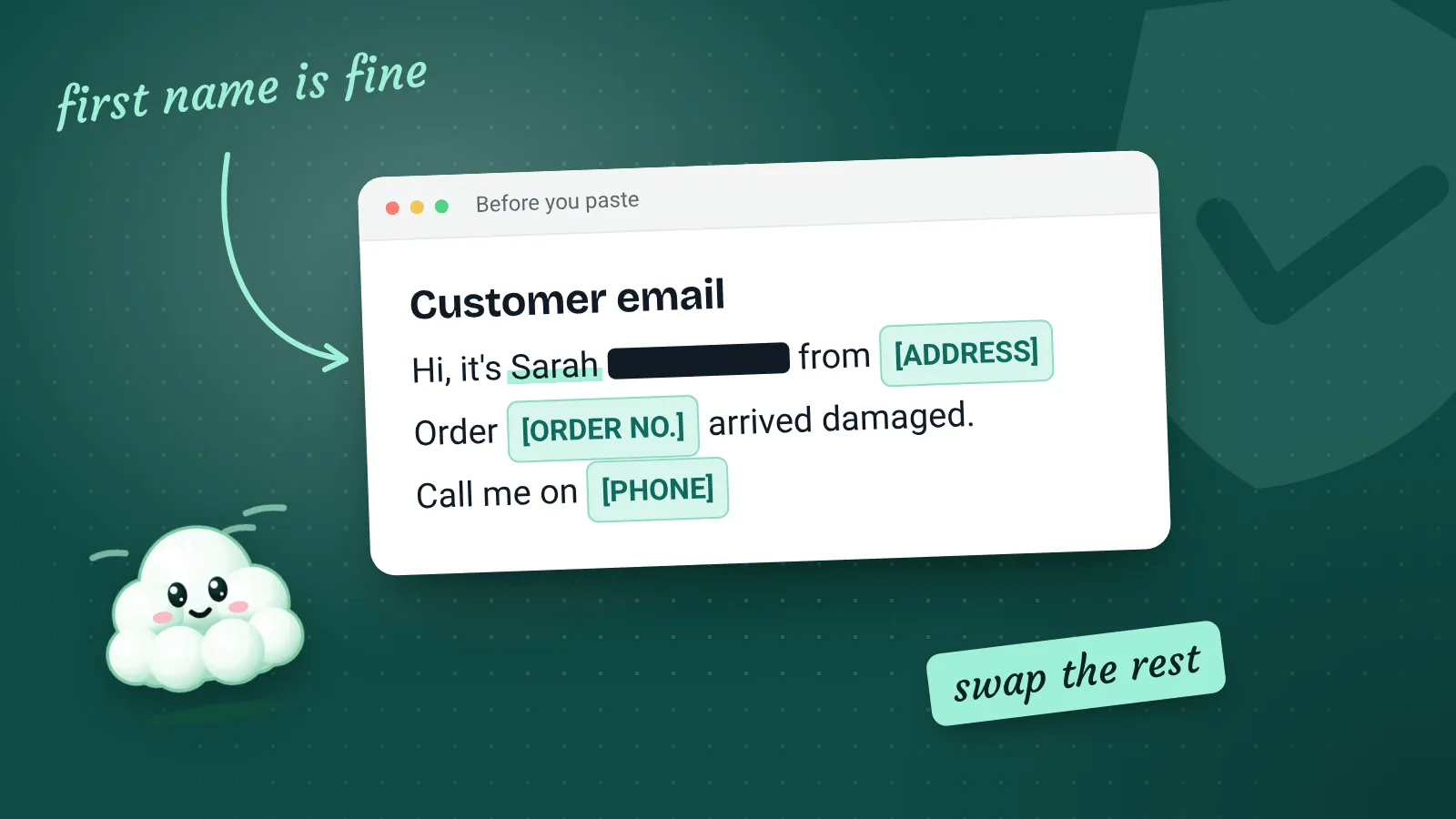
Customer addresses, health details, payment information and anything confidential should stay out of chat tools unless you’ve checked how that tool stores and uses what you type. See Is it safe to put customer details into an AI chatbot? for what to look for.
Watch out
Free versions of some AI tools may use your conversations to improve their systems unless you switch this off. Check the settings before you paste in anything about your customers or your business that you’d want kept private.
How to run a fair one-week trial
It’s easy to try AI once, get a disappointing answer and decide it’s useless, or to get one impressive answer and start relying on it too much. A short, deliberate trial gives you a fairer picture.
- Pick one tool. It doesn’t much matter which. The free version is fine for a trial.
- Pick one job. Just one from the “good first jobs” list above.
- Do it with AI every time that job comes up this week. Read and edit every result.
- Keep a simple note. For each try, jot down whether it helped, made no difference or slowed you down.
- Decide at the end of the week. Keep it, change how you use it, or drop it.
| Day | Job | Helped? | Note |
|---|---|---|---|
| Monday | Tidy notes into an email | Yes | Had to remove an over-the-top opening line |
| Tuesday | Tidy notes into an email | Made no difference | Quicker to just write it |
| Wednesday | … | … | … |
The table above is just an example of the kind of note to keep. Your own results are the only ones that count.
What it costs
Most of the main AI assistants have a free version that’s plenty for trying things out. Paid plans typically add more use per day, newer features and sometimes stronger privacy terms for businesses. Prices change often, so check the provider’s own website rather than relying on a figure from an article, including this one.
Before you pay for anything
Make sure the free version has actually saved you time first. If it hasn’t, a paid plan rarely changes that. If it has, compare the business plans’ privacy terms, not just the price.
The short version
- AI assistants are good with words and unreliable with facts.
- Start with low-risk jobs where you check the result.
- Keep sensitive customer details out until you’ve checked the settings.
- Give it a fair, short trial on one job, then decide.
You don’t have to use AI to run a good small business. But a few well-chosen uses can take the edge off the jobs you put off.